

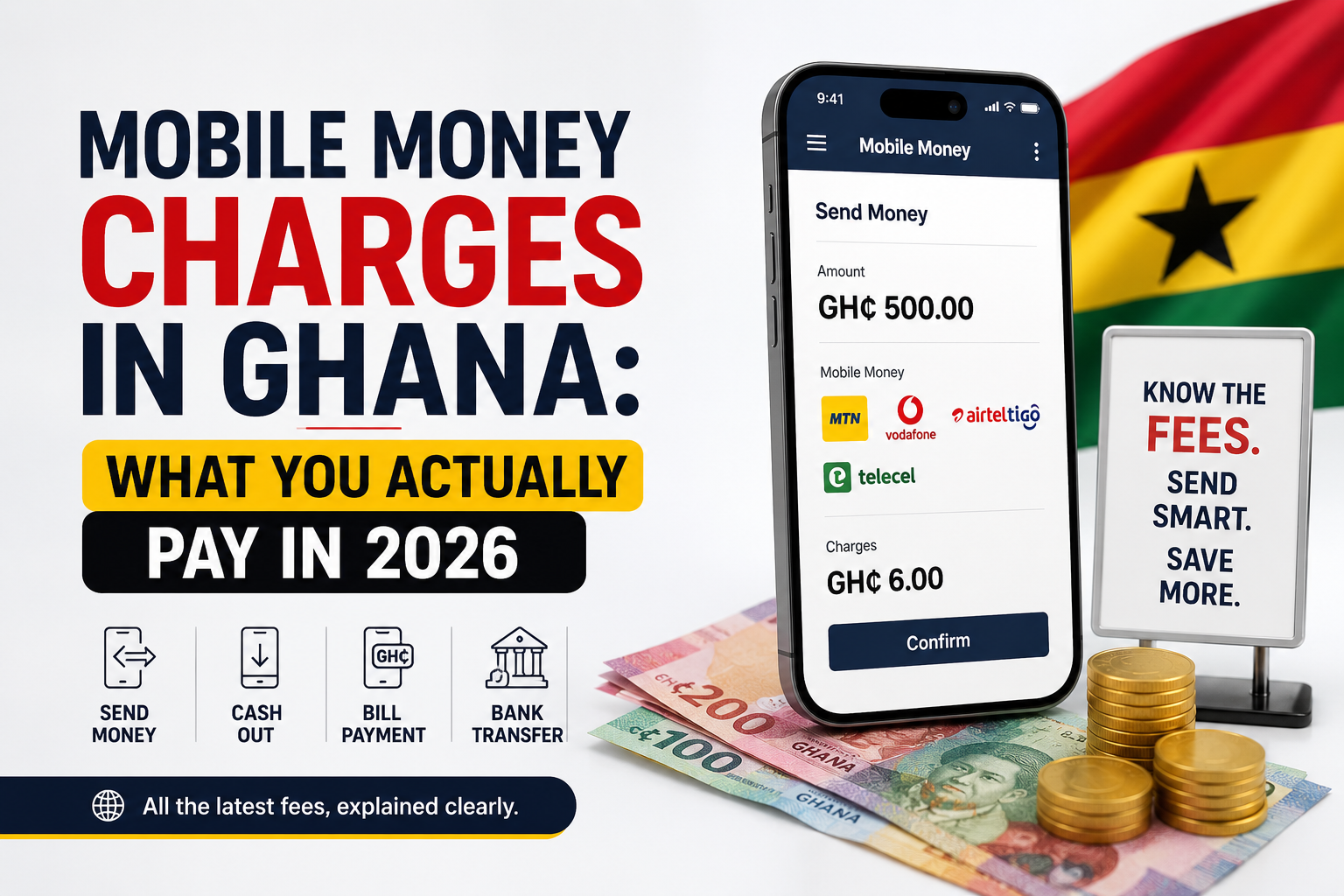
Most of us use MoMo several times a week and have never worked out what it actually costs. The money leaves, the balance drops, life continues.
But the charges are not random, and they’re not the same for every kind of transaction. Once you understand where the fees come from, you can cut a good portion of what you pay without changing anything about how you live.
Your MoMo fee comes from two places
This is where most confusion starts. There are two separate things that can reduce your balance, and people mix them up constantly.
The telco fee. What MTN, Telecel or AT charge you for moving the money. This is their revenue, and each network sets its own tariff.
The government levy. A tax on top of the telco fee. For three years this was the E-Levy — and this is the part that has changed.
What happened to the E-Levy
The 1% Electronic Transfer Levy was introduced in 2022 and became one of the most unpopular taxes in recent Ghanaian memory. People split payments to stay under the threshold. Some went back to cash. Mobile money transaction values fell measurably in the months after it launched.
It was repealed by the Electronic Transfer Levy (Repeal) Act, 2025 (Act 1128), with effect from 2 April 2025. The Ghana Revenue Authority directed all banks and payment providers to stop applying it from that date, and instructed them to refund anything deducted afterwards.
So a transfer today should cost you less than the identical transfer did in early 2025.
Check it yourself, on every transfer. The confirmation prompt before you press send shows exactly what you’ll be charged. If you ever see an E-Levy line on it, screenshot the prompt, note the transaction ID from your SMS, and raise it with your provider. That prompt is your evidence.
Which transactions cost you money
Not everything on MoMo carries a fee. Broadly:
Usually free: depositing cash into your wallet at an agent, receiving money, checking your balance, paying certain bills, and reversing a transaction sent to a wrong number.
Usually charged: sending money to another person, cashing out at an agent, and some merchant or bank transfers.
The one people forget: cash-out. Withdrawing physical money from an agent is often the single largest fee you’ll pay, and it’s charged in bands — meaning the cost jumps at certain thresholds rather than rising smoothly.
Seven ways to pay less
1. Read the prompt before you approve
Every network shows the fee before you confirm. Two seconds of attention tells you exactly what a transaction costs, and it’s the only figure that’s guaranteed current — tariffs change, and any fee table in an article, including this one, can go out of date.
2. Stop cashing out
The biggest saving available to most people. If you withdraw cash at an agent and then hand that cash to someone who deposits it back into their own wallet, you’ve paid a cash-out fee for nothing.
Send wallet-to-wallet instead. The money moves, nobody pays an agent, and it takes seconds.
3. Consolidate your withdrawals
Because cash-out fees work in bands, several small withdrawals often cost considerably more than one larger one. If you know you’ll need cash three times this week, one withdrawal on Monday may cost less than three across the week.
4. Link your Ghana Card
Linking your Ghana Card to your wallet raises your transaction limits and, on some networks, makes transfers between your wallet and your own bank account free. Worth doing once for a permanent benefit.
5. Pay merchants directly
Paying a merchant from your wallet is usually cheaper than withdrawing cash and paying with notes. Where a shop or service accepts MoMo, use it.
6. Check whether same-network is cheaper
Sending within the same network is sometimes cheaper than sending across networks. If you regularly send to the same person, it may be worth them holding a wallet on your network.
7. Compare providers occasionally
MTN, Telecel, AT Money and bank-led services like GhanaPay all price differently, and they adjust tariffs from time to time. The cheapest option two years ago may not be cheapest now.
When something goes wrong
Two things solve almost every MoMo dispute in Ghana, and neither is complaining loudly.
The transaction ID. Every transaction generates one and it arrives in your confirmation SMS. Don’t delete those messages. When you contact support, lead with the ID — it lets them find the exact transaction in seconds instead of asking you twenty questions.
Speed. Report a wrong-number transfer immediately. Reversals are far more likely while the money is still sitting in the recipient’s wallet. Once it’s withdrawn, your options narrow considerably.
Customer service lines: MTN on 100, Telecel on 100, AT on 100 from your own network line.
A note on fee tables
You’ll find plenty of articles listing exact MoMo charges band by band. Treat them carefully.
Networks revise their tariffs periodically, and a table published eighteen months ago may confidently tell you a figure that’s no longer true. I’d rather teach you where the fees come from and point you at the confirmation prompt — which is always accurate, always current, and sitting on your screen every time you send money.
For the official position, each network publishes its current tariff on its own website, and the Bank of Ghana regulates the sector.
The short version
The E-Levy is gone. What remains is the telco’s own fee, and the largest one most people pay is cash-out. Send wallet-to-wallet instead of withdrawing, consolidate the withdrawals you can’t avoid, link your Ghana Card, and read the prompt before you approve.
None of that is dramatic. Done consistently, it saves a meaningful amount over a year.
Sources
- Electronic Transfer Levy (Repeal) Act, 2025 (Act 1128) — effective 2 April 2025
- Ghana Revenue Authority — Commissioner-General’s implementation guidelines
- MTN Ghana, Telecel Ghana and AT Ghana — published tariff schedules
- Bank of Ghana — payment systems oversight
Last reviewed: 19 July 2026
Not financial advice. This article explains how mobile money charges work in general terms. Tariffs are set by the networks and change from time to time — always check the confirmation prompt before approving a transaction.